PDF – Edit, Merge & Convert PDF Files Online
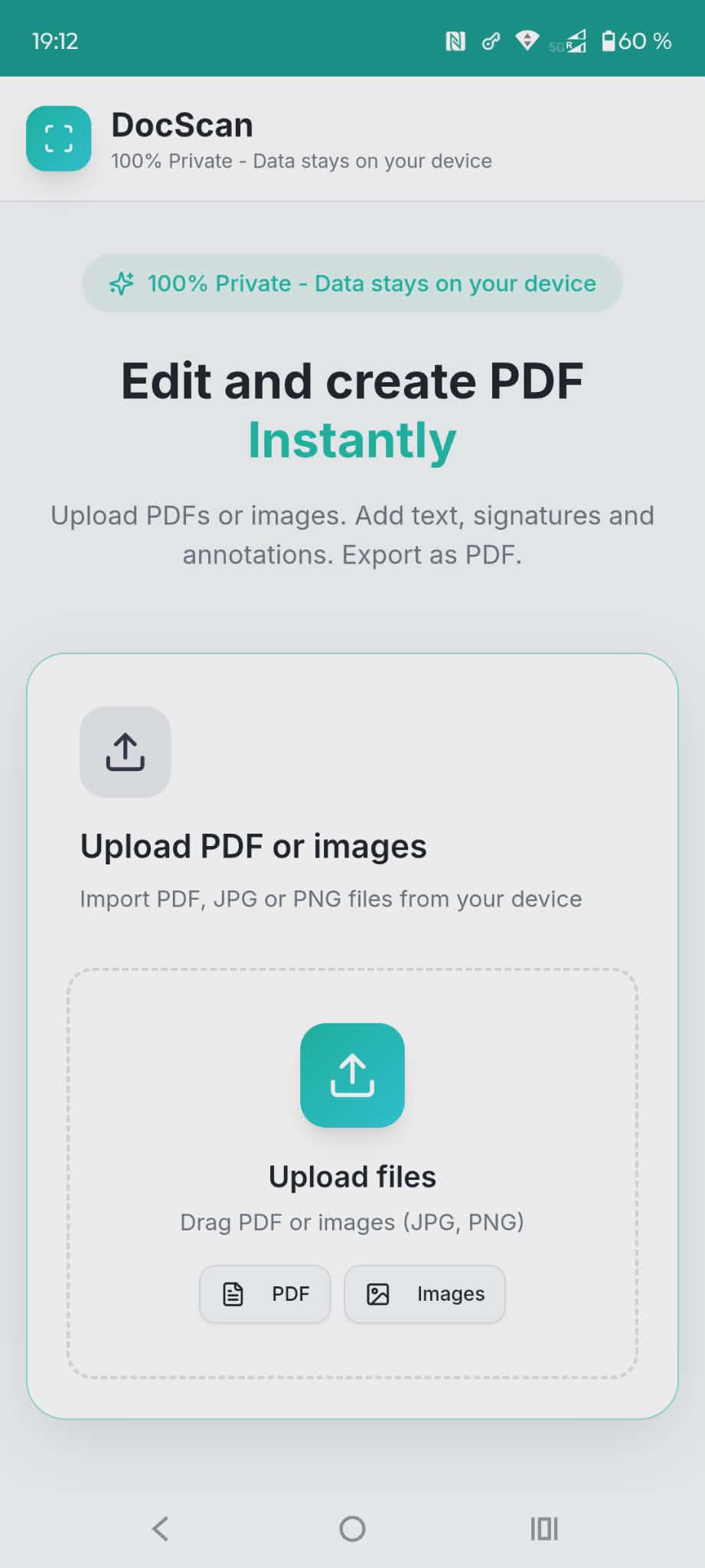
Transform your phone into a powerful document scanner and PDF editor! DocScan lets you create, edit, and manage PDF documents with ease – completely offline and private.
✨ KEY FEATURES:
📄 Create PDFs Instantly
- Upload existing PDFs from your device
- Import images (JPG, PNG) and convert to PDF
- Drag and drop multiple files
- Create multi-page PDF documents
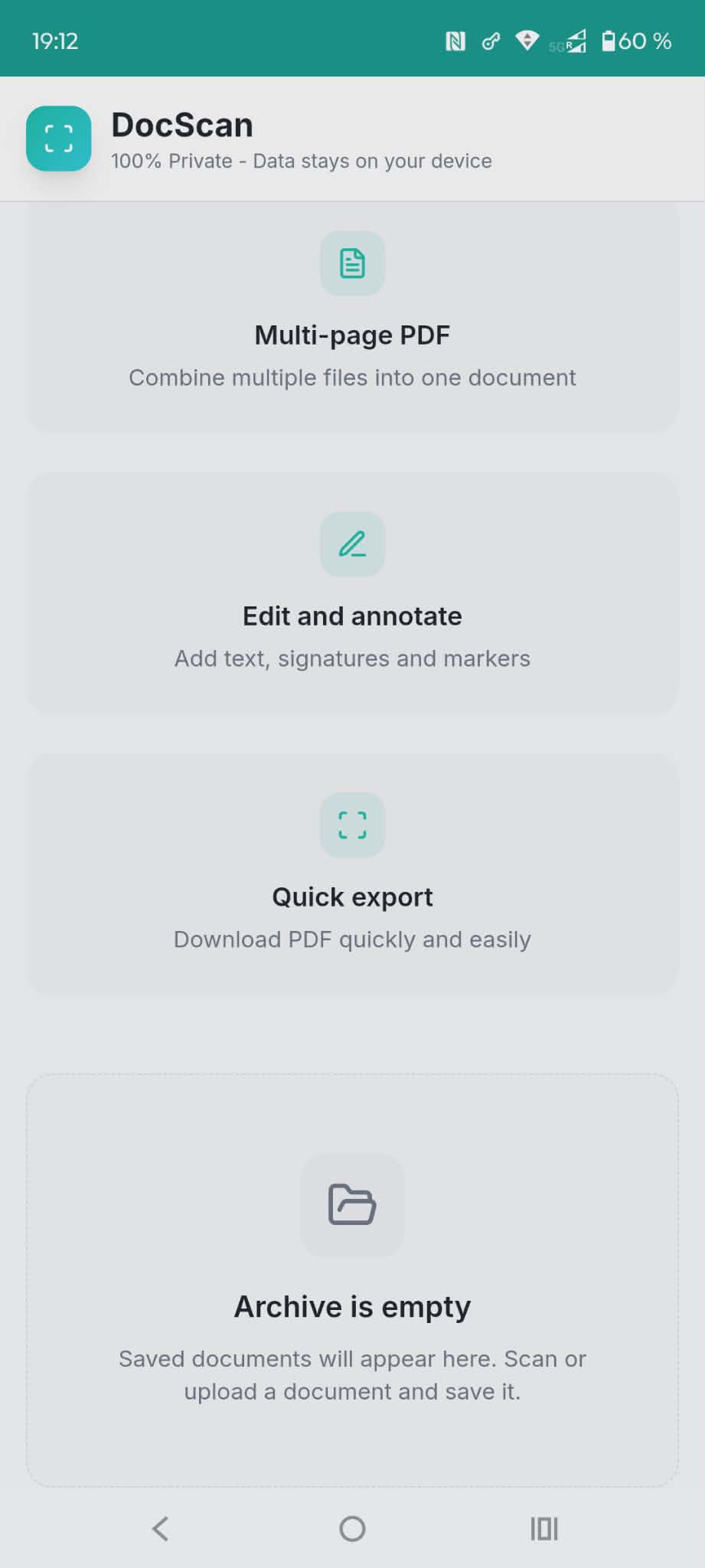
- Combine multiple files into one document
✍️ Edit & Annotate
- Add text to any document
- Insert digital signatures
- Highlight important sections
- Draw and add markers
- Professional annotations
📑 Multi-Page PDF Creation
- Combine multiple images into one PDF
- Merge several PDF files
- Reorder pages easily
- Create professional documents
⚡ Quick Export
- Download PDFs instantly
- Share documents easily
- Save to device storage
- Fast processing
📁 Document Archive
- Save edited documents
- Organize your PDFs
- Quick access to saved files
- Complete document library
🔒 100% Private & Secure
- All data stays on your device
- No cloud upload required
- No registration needed
- Complete privacy guaranteed
- Works offline
💼 Professional Features
- High-quality PDF output
- Support for multiple file formats
- Batch processing
- Professional document editing
- Business-ready results
🎯 Perfect For:
- Signing documents digitally
- Creating professional PDFs
- Scanning receipts and invoices
- Editing contracts
- Student note-taking
- Business document management
- Remote work documentation
- Legal document preparation
💡 Use Cases:
- Sign rental agreements
- Annotate work documents
- Create multi-page reports
- Fill out forms
- Edit resumes
- Mark up contracts
- Organize receipts
- Prepare presentations
🚀 Why DocScan?
- Simple and intuitive interface
- Lightning-fast processing
- Professional results
- Completely free
- No watermarks
- Unlimited documents
- Works offline
- Privacy-focused
✅ What You Can Do:
- Upload and edit existing PDFs
- Convert images to PDF
- Combine multiple files
- Add text and signatures
- Annotate documents
- Export and share
- Archive your work
- All without internet!
4.5/5 - (2 votes)
It’s not complicated and there are no ads.